Here is how to view Referential Integrity Reports.
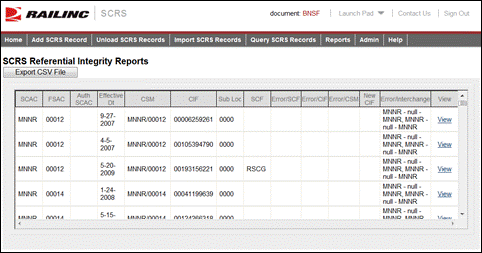
1. From the application menu, select Reports > Referential Integrity Report. The SCRS Referential Integrity Reports page is displayed.
Exhibit 28. SCRS Referential Integrity Reports
2. Review the listed reports.
3. A displayed record can be exported to CSV by selecting the Export CSV File link. Also the full SCRS record can be viewed by selecting the corresponding View link (see Managing SCRS Details).