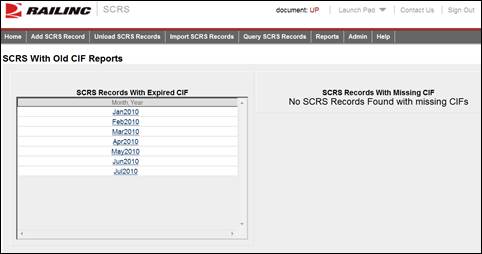
Here is how to view SCRS with Old CIF Reports.
1. From the application menu, select Reports > SCRS with Old CIF Report. The SCRS with Old CIF Reports page is displayed.
Exhibit 29. SCRS with Old CIF Reports
2. Select a listed month and year to view associated SCRS record details with expired CIFs. The SCRS with Expired CIF Report Details page is displayed.
Exhibit 30. SCRS With Expired CIF Report Details
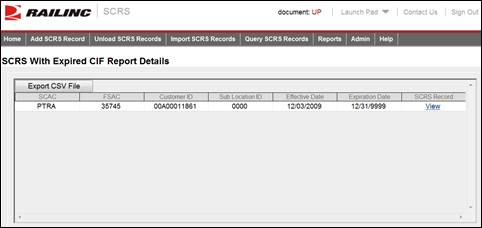
3. From there, the displayed record can be exported to CSV by selecting the Export CSV File link. Also the full SCRS record can be viewed by selecting the corresponding View link (see Managing SCRS Details).